How can HR manager, employee or manager view previous year’s data?
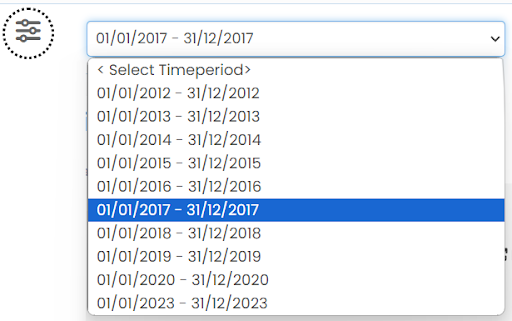
To view previous year data, you can change the time period or financial period.
- From the menu, go to the specific page where you want to view data (Time management/ Payroll/Performance).
- Go to the Data filter section and change the time period or financial year from the dropdown.
- Once you select a time period/financial period, it will be applicable across the application till you reset it.
The data for the selected time period will show up.