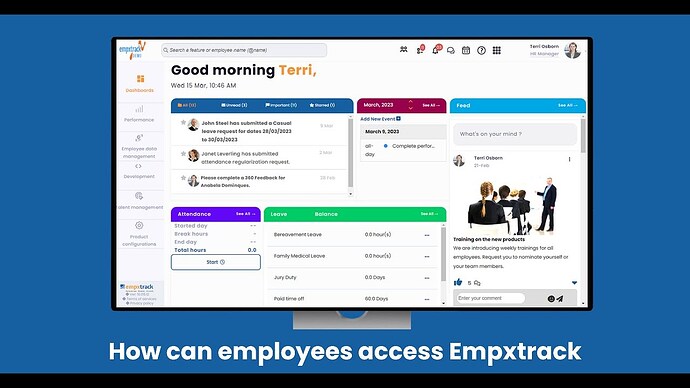
While adding a new employee in Empxtrack, under the Communications tab, select the checkbox labeled as “Send a welcome email to employee once the record is added such that they can update the rest of their information”. A welcome email is sent to the employee with login credentials and they can access the application.
In case you have already added the employee, then select the option Send welcome email from the three dots next to View profile.