Need to change an employee’s reporting manager.
Follow the steps.
From the menu, go to People. Click View profile of the employee for whom you want to change the reporting manager.
In the Employment tab, scroll down to Reporting structure and click Change reports to.
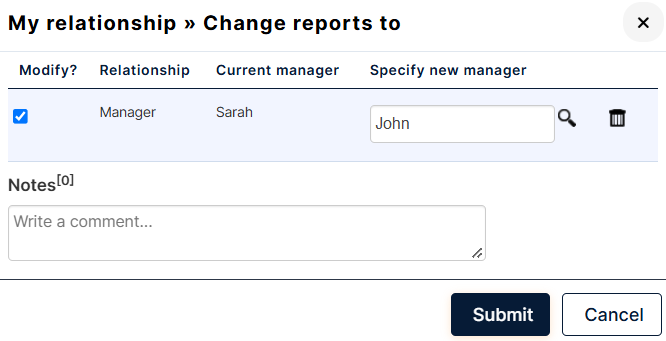
Check the Modify? box, specify the new manager’s name, and click Submit.