How can I add a financial year in Empxtrack?
To add a financial year in the system, follow these steps:
-
Go to Product configurations and click Manage financial periods under General settings.
-
On the Manage financial periods page, click Add.
-
Specify the start year and end year for which you want to generate the financial years. The dates are automatically selected based on Time Settings.
-
Click Generate.
-
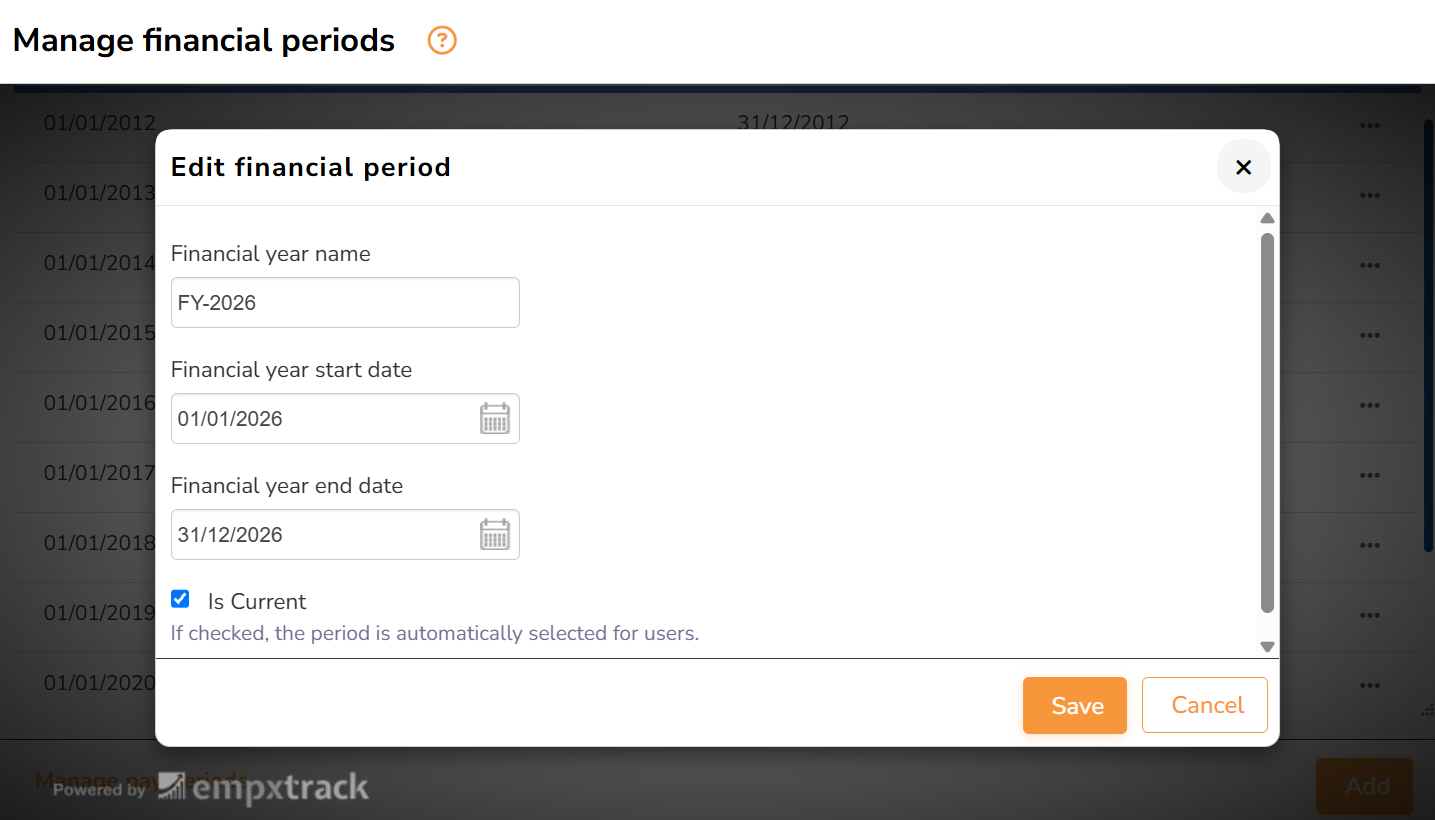
Once the pay period is generated, go to Actions icon corresponding to the year which you want to make a current financial year and click Mark current.
Note: This functionality is available in the Empxtrack enterprise edition.