How to add more than 10 employees when I am using free payroll
1 Like
The free version of payroll allows you to create up to 10 employee profiles. To add more employees, upgrade your plan.
Follow these steps:
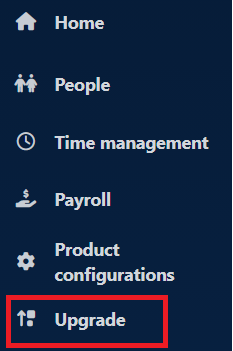
- Click on the Upgrade link from the menu.
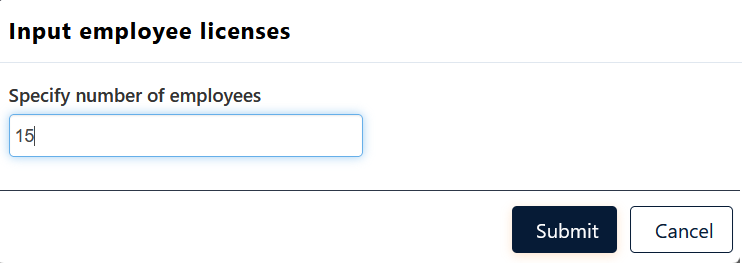
- Select an edition (Starter, Growth and Enterprise) and specify the number of employees you want to add, and click Submit.
-
The required edition along with the additional licenses will be added to the cart. Click on the Checkout button to complete the purchase.
-
The product will be automatically upgraded with an increased number of employee licenses.
