How can I generate payslips in empxtrack free payroll software?
You can generate payslips in a few clicks. Follow the steps:
-
From the menu, go to Payroll → Payroll Overview.
-
Under Payroll runs, click View against the required pay period.
-
Next, on the Payroll run page, select the employee for whom you want to download the payslip.
-
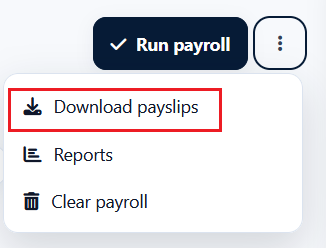
Go to the three dots and select Download payslips next to the Run payroll button.