I entered zeroes for the May 2024 payroll. I need to recalculate. How can I fix it in Empxtrack Payroll?
To recalculate the payroll, follow these steps:
From the menu, go to Payroll → Payroll Overview.
Under Payroll runs, click View against the required pay period.
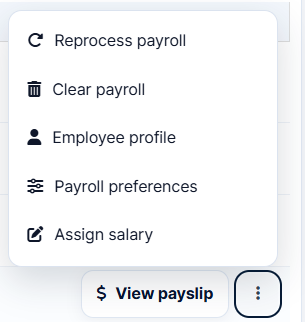
Click the three-dot menu next to the employee and select Reprocess payroll.
Enter the new values and Confirm.