How to add the overtime in Attendance for an employee?
To consider overtime in the employee attendance, make sure you have enabled the setting. Follow the steps:
-
From the menu, go to Time management→Timecard Details.
-
Click on Configure timecard from the three dots menu.
-
Fill in the details under the heading How is overtime identified and Overtime factor calculation and Save.
Once the settings are changed, the overtime will be calculated automatically and employees will be able to see it in the attendance calendar.

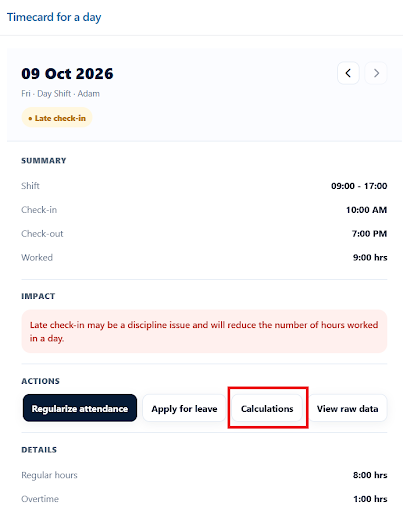
They can also view the calculations by clicking on Review for the selected date and then clicking on the Calculations button.